
Terminating a Session
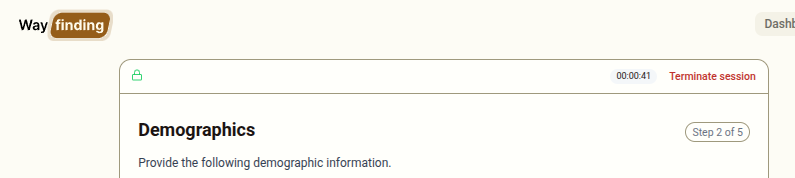
The Terminate session button appears in the top bar throughout the prison interface (Steps 1–5). Use it to cancel a session before it is completed.
When to Terminate a Session
Section titled “When to Terminate a Session”You should terminate a session if:
- The client does not consent to the privacy statement in Step 1
- The session needs to stop before reaching Step 5 (for example, the client changes their mind, or there is an interruption)
- The session was started in error
What Happens When You Terminate
Section titled “What Happens When You Terminate”When you click Terminate session:
- A confirmation prompt will appear asking you to confirm
- If confirmed, the session is immediately cancelled
- The system records the session as Cancelled with the time it was terminated
- Any information entered in previous steps is discarded — no personal data is retained
- The interface resets to Step 1, ready for a new session
What Is Recorded
Section titled “What Is Recorded”For terminated sessions, the system records:
- That a session started and was cancelled
- The time the session started and ended
- Which step was reached before termination
No demographic information or client name is retained for cancelled sessions.
Difference Between Terminating and Completing
Section titled “Difference Between Terminating and Completing”| Terminated session | Completed session | |
|---|---|---|
| Status recorded | Cancelled | Completed |
| Demographics retained | No | Yes |
| Bookings sent | No | Yes |
| Print page shown | No | Yes |