
Your Dashboard
As a provider member, your dashboard gives you access to manage the services your organisation offers through the Wayfinding App.
What You Can See
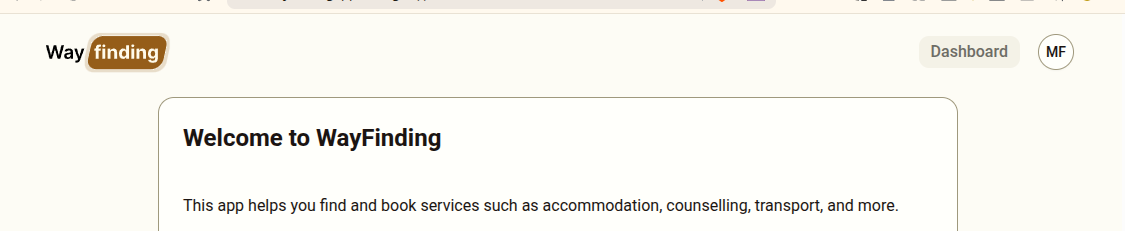
Section titled “What You Can See”When you log in click on the Dashboard button at the top right of the screen to access the Provider Interface.
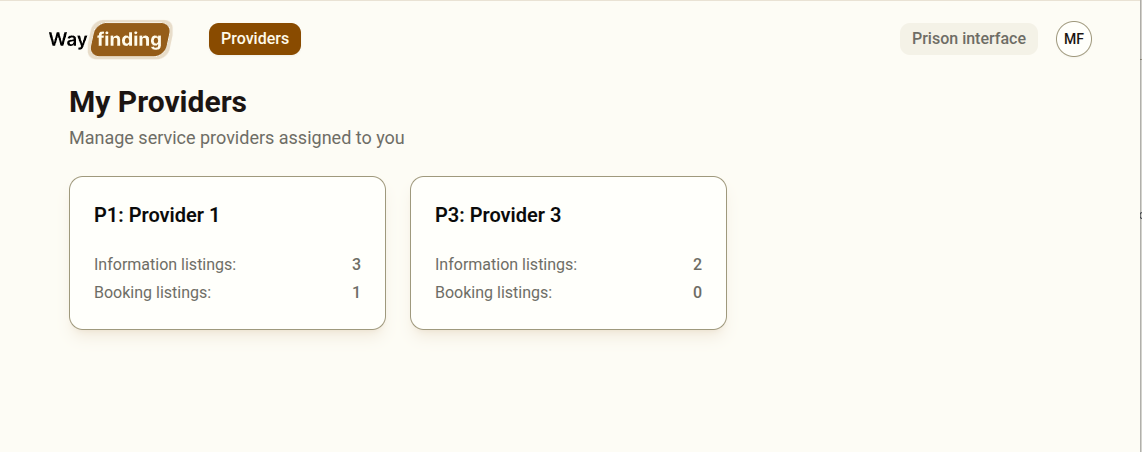
When you log in, you will see the Providers section showing all providers you have been assigned to. If you are assigned to more than one provider, all of them will appear here.
You will not see:
- Providers you are not assigned to
- The Categories section
- The Users section
- The Reports section (unless your administrator has granted you report access)
Navigating to a Provider
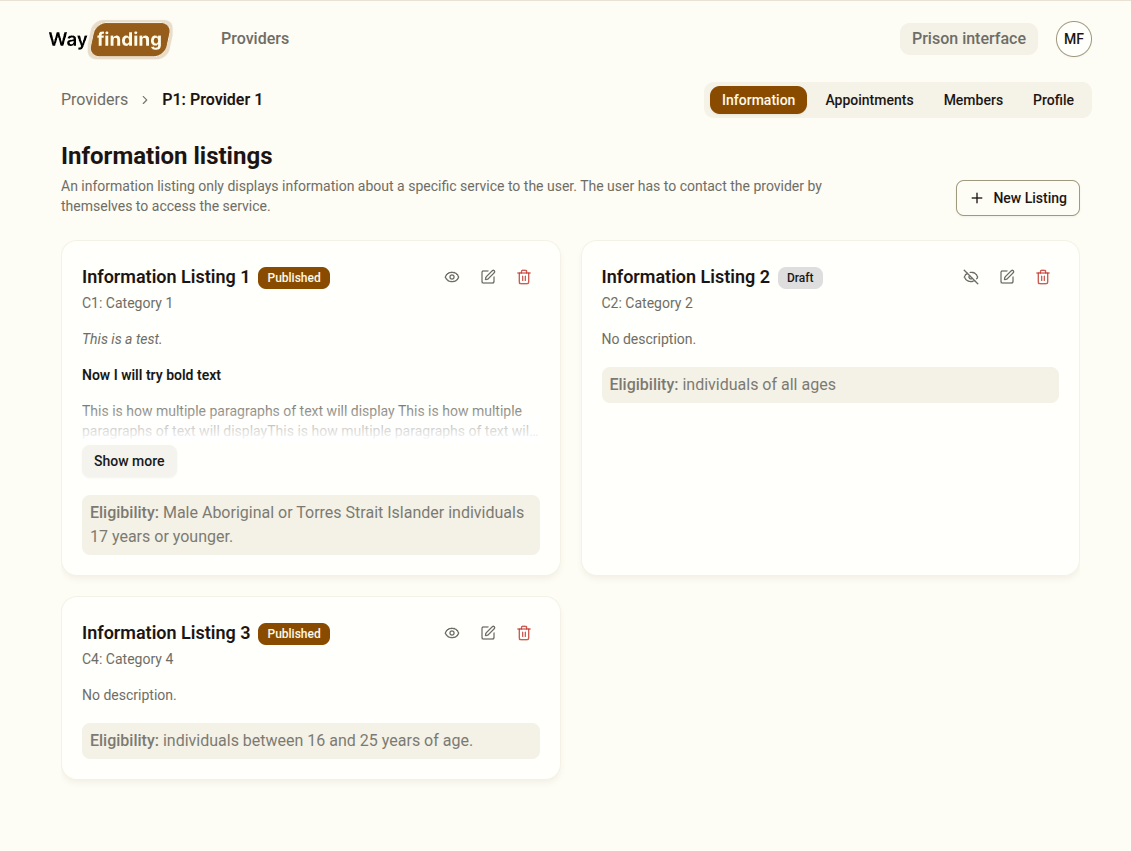
Section titled “Navigating to a Provider”Click on a provider card to open the provider detail view. Inside, you will find four tabs:
| Tab | Purpose |
|---|---|
| Information Listings | Manage contact-only service listings |
| Appointments | Manage bookable service listings and their slots |
| Members | View who else has access to this provider |
| Profile | View the provider’s details |
Editing Provider Details
Section titled “Editing Provider Details”Users without administrative privileges cannot update service provider details. Any attempt to do so will result in an error.
Your Responsibilities
Section titled “Your Responsibilities”As a provider member, you are responsible for keeping your provider’s listings accurate and up to date. Clients rely on this information to make decisions about their post-release support. Specifically:
- Keep appointment slots up to date — remove slots that are no longer available, and add new ones as they become available
- Review eligibility notes regularly — ensure they accurately reflect who the service can help
- Notify your administrator if your organisation’s name or structure changes
Switching to the Prison Interface
Section titled “Switching to the Prison Interface”You can switch to the prison interface using the navigation link on the top right. This is useful for testing and understanding how your listings appear to prison staff and clients.