
Downloading Reports
The Reports section allows administrators (and users with report access) to download a complete export of session data as an Excel workbook.
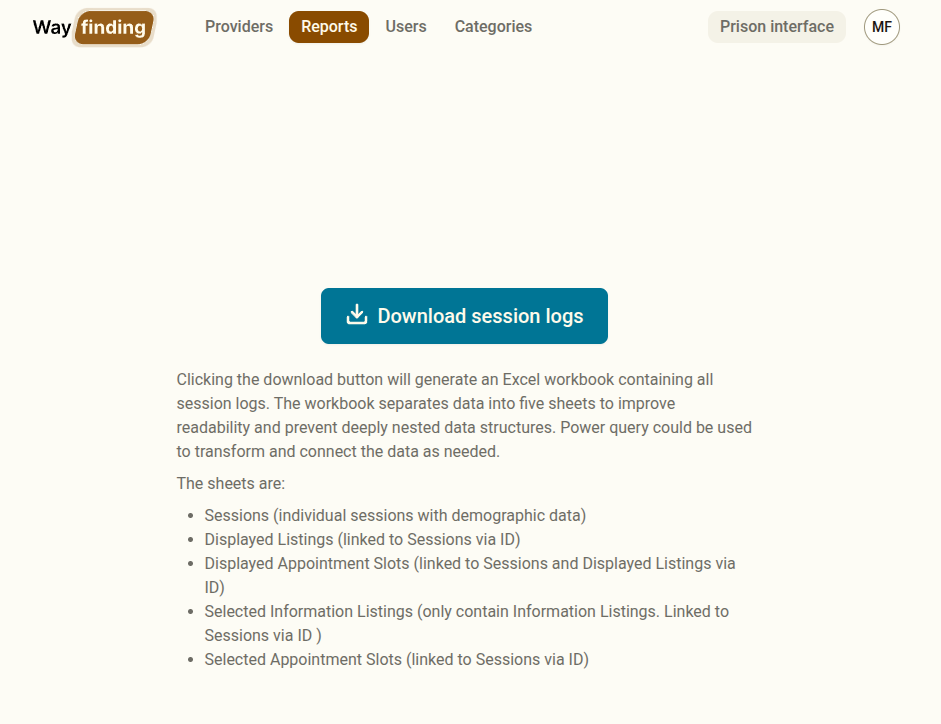
Accessing Reports
Section titled “Accessing Reports”Navigate to Reports in the sidebar. If you do not see this section, your account does not have report access — contact an administrator.
Downloading the Session Log
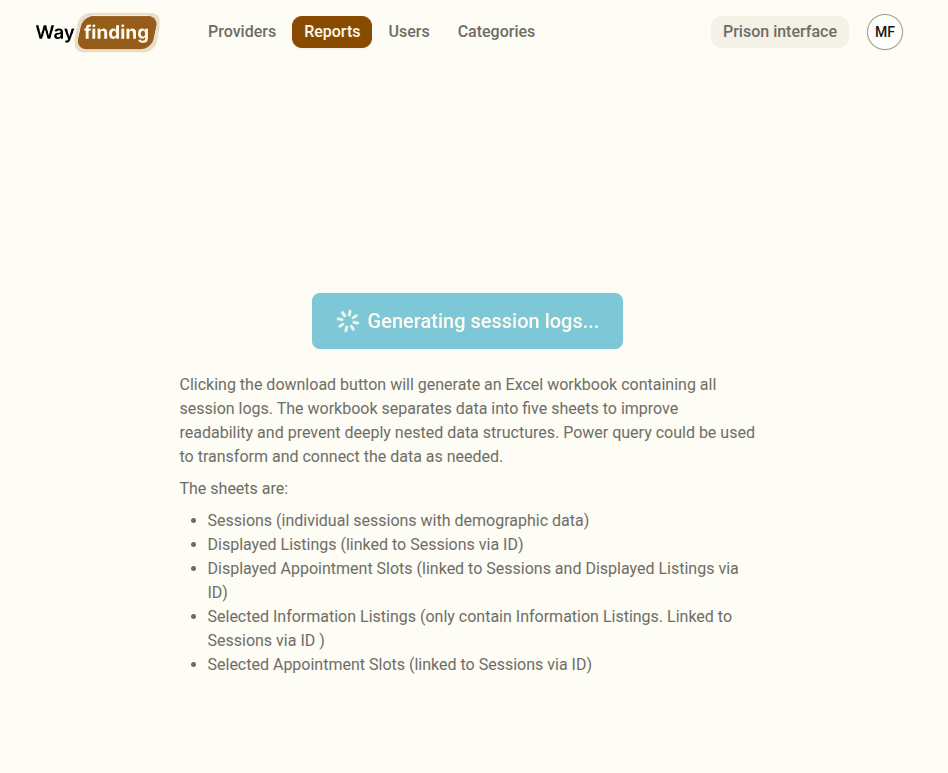
Section titled “Downloading the Session Log”Click Download session logs. The system will generate the report — this may take a few seconds. A notification will appear and the file will download automatically.
What the Report Contains
Section titled “What the Report Contains”The Excel workbook contains five sheets:
| Sheet | Contents |
|---|---|
| Sessions | One row per session, including start and end time, status (completed/cancelled), and all demographic fields (gender, age, Indigenous status, prison status, etc.) |
| Displayed Listings | All information listings that were shown to clients across all sessions |
| Displayed Appointment Slots | All appointment slots that were visible to clients across all sessions |
| Selected Information Listings | Information listings that clients actually selected during sessions |
| Selected Appointment Slots | Appointment slots that clients booked during sessions |
Using the Report
Section titled “Using the Report”The report is intended for research and operational review. Common uses include:
- Tracking service uptake — which providers and listings are being selected most often
- Identifying gaps — sessions where no services were displayed or selected may indicate missing listings for certain demographics or locations
- Monitoring session volume — the Sessions sheet shows how many sessions are being conducted over time
- Research reporting — demographic data from sessions is de-identified and suitable for aggregated research analysis
Data Handling
Section titled “Data Handling”Session data includes demographic information. Handle the report in accordance with your organisation’s data handling policies and the privacy statement provided to clients. Do not share session-level data with unauthorised parties.