
Managing Listings
Listings are the individual services offered by a provider. There are two types: information listings (contact details only) and booking listings (with appointment slots).
Accessing Listings
Section titled “Accessing Listings”- Go to Providers in the sidebar
- Click on a provider card
- Use the tabs at the top of the provider detail view to switch between Informations for Information Listings and Appointments for Booking Listings.
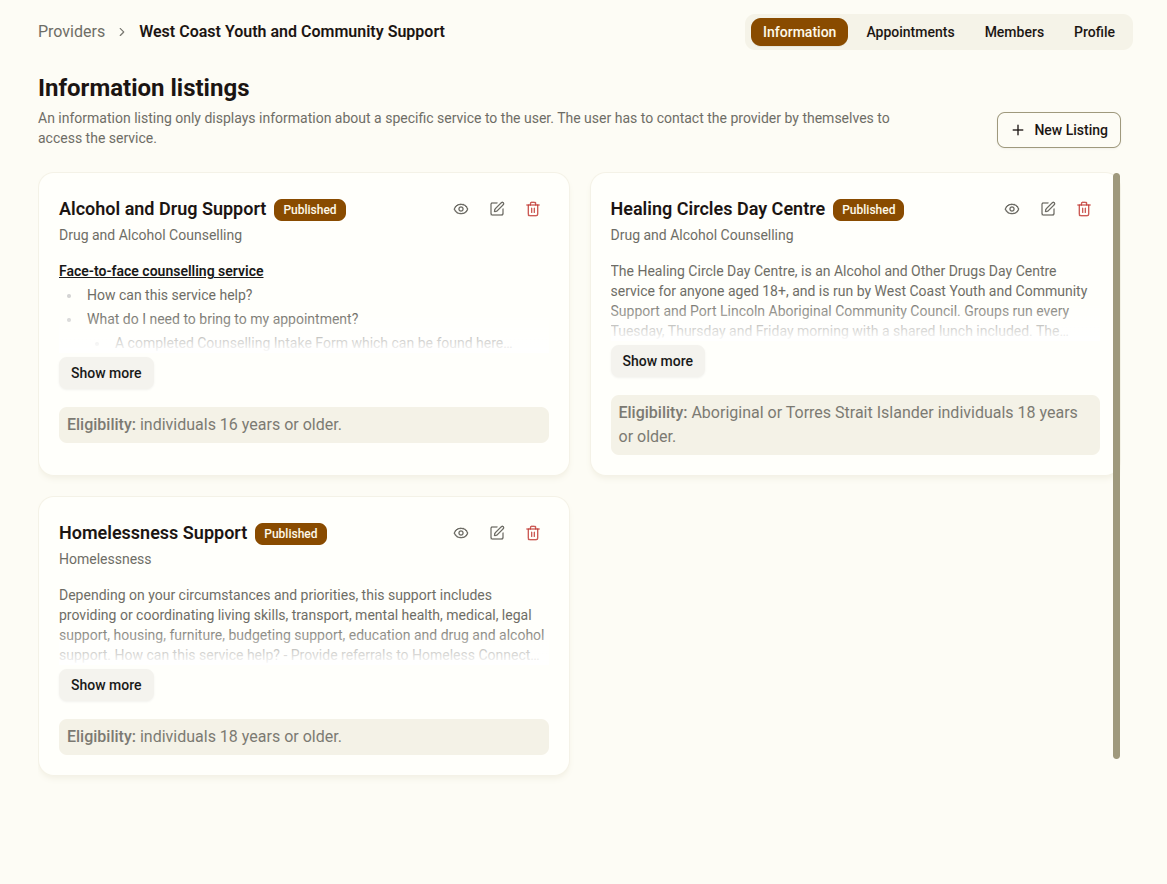
Information Listings
Section titled “Information Listings”See about Information Listings here
Booking Listings
Section titled “Booking Listings”Booking listings contain information similar to Information Listings but they also contain appointment booking slots. Find out more about Booking Listings here.